
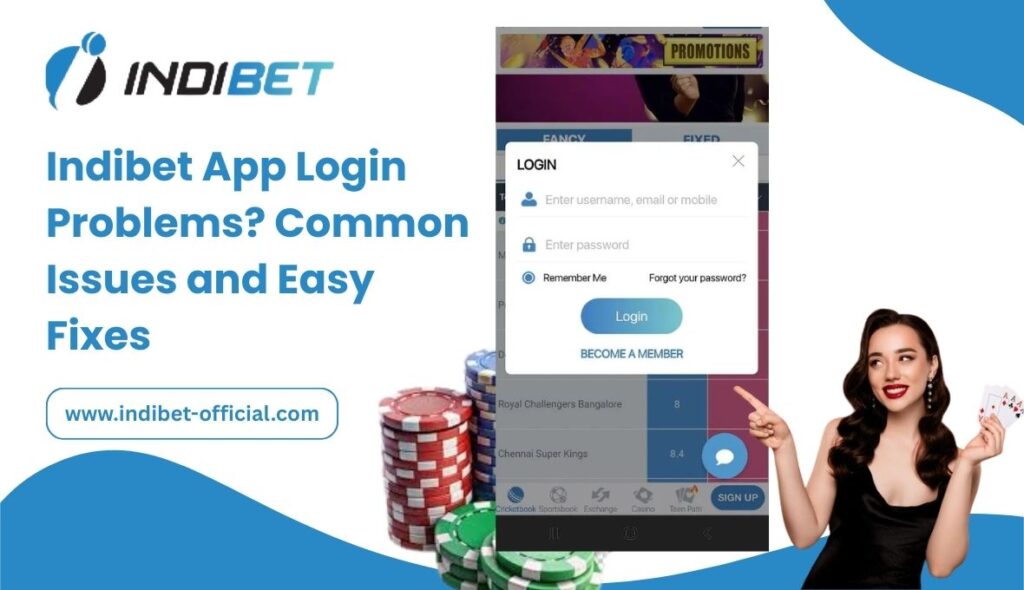
The Indibet mobile application allows users to enjoy sports betting, live casino games, and secure transactions directly from their smartphones. However, some users may occasionally face Indibet app login problems due to technical or account-related issues.
If you are unable to access your account, don’t worry. This complete guide explains the most common login issues and provides simple solutions to fix them quickly and safely.
Why Indibet App Login Problems Happen
Login issues can occur due to:
- Incorrect username or password
- OTP verification failure
- Internet connectivity problems
- Outdated app version
- Account verification issues
- Temporary server maintenance
Understanding the cause helps you fix the problem faster.
Common Indibet App Login Problems and How to Fix Them
1. Incorrect Username or Password
One of the most frequent issues is entering the wrong login credentials.
Easy Fix:
- Double-check your username or registered mobile number
- Ensure Caps Lock is off
- Reset your password through the Indibet Login Guide – How to Access Your Account Safely page
If you forgot your password, follow the steps in Forgot Indibet Login Password? Here’s How to Reset It.
2. OTP Not Received
OTP verification is used to secure accounts. Sometimes users may not receive the OTP.
Possible Reasons:
- Poor network connection
- Incorrect registered mobile number
- SMS service delay
Easy Fix:
- Check network signal
- Wait 1–2 minutes
- Request OTP again
- Restart your phone if needed
If the issue continues, verify your mobile number under your account settings.
3. App Not Opening or Crashing
If the Indibet app crashes during login, the problem may be related to:
- Outdated app version
- Low device storage
- Software compatibility
Easy Fix:
- Update the app from the official source mentioned in How to Download and Use the Indibet App in India
- Clear app cache
- Restart your device
- Reinstall the app if necessary
4. Account Not Verified
If you recently created an account through the Indibet ID page and did not complete KYC verification, login restrictions may apply.
Easy Fix:
Complete verification as explained in How to Create and Verify Your Indibet Account Easily (2026 Ultimate Guide).
Verified accounts face fewer login and withdrawal issues.
5. Account Temporarily Suspended
Accounts may be temporarily restricted due to:
- Multiple failed login attempts
- Security checks
- Suspicious activity
Easy Fix:
Wait 15–30 minutes and try again. If the issue persists, contact customer support.
6. Internet or Server Issues
Slow internet or server maintenance can prevent login access.
Easy Fix:
- Switch to a stable WiFi or mobile data network
- Check if the platform is under maintenance
- Try logging in later
Security Tips for Safe Indibet App Login
To prevent login issues and protect your account:
- Never share your login credentials
- Use a strong password
- Enable OTP verification
- Avoid logging in from public devices
- Regularly update your app
These practices align with platform guidelines under the Privacy Policy and Responsible Gaming standards.
When to Contact Customer Support
You should contact support if:
- Password reset is not working
- OTP is not received after multiple attempts
- Your account remains locked
- You suspect unauthorized access
Provide your registered details for faster assistance.
How Login Issues Affect Deposits and Withdrawals
Login problems may temporarily prevent access to features such as:
- Indibet Deposit
- Indibet Withdrawal
- Sports betting markets
- Casino games
Once login access is restored, all features become available again.
Prevent Future Indibet App Login Problems
To avoid repeated issues:
- Keep your app updated
- Complete account verification early
- Avoid multiple incorrect login attempts
- Maintain accurate personal information
Proactive account management ensures smooth betting and gaming experiences.
Final Conclusion
Indibet app login problems are usually minor and can be resolved quickly with simple troubleshooting steps. Most issues occur due to incorrect credentials, OTP delays, outdated apps, or incomplete verification.
By following this guide, you can restore access safely and continue enjoying sports betting, casino games, and other platform features without interruption.
If problems persist, always contact official support to protect your account and funds.